Grass packed under a robot mower is more than a cosmetic mess. A clean robot mower deck helps the blade disc spin freely, keeps clippings from hardening around the wheels, and makes it easier to spot bent blades, loose screws, or damage before the next mowing cycle.
The job is simple, but it is not a “flip it over and blast it with water” task. The safer approach is slow, dry cleaning first, careful wiping second, and no aggressive spraying around seals, sensors, charging contacts, or electronics.
Safe cleaning in one pass
The safest way to remove grass buildup from the underside of a robot lawn mower is to power the mower down, disconnect it from the charging station, wear cut-resistant gloves, and clean the underside with a soft brush, plastic scraper, and damp cloth. Do not use a pressure washer, do not spray directly into openings, seals, sensors, charging contacts, or the blade motor area, and do not pry against the blade disc. Let wet grass soften briefly, remove it in layers, then check that the blades pivot freely and the wheels turn without rubbing.
That short version matters because most cleaning damage comes from either rushing around sharp blades or treating the mower like a traditional walk-behind deck. Robot mowers are compact machines with exposed blades, sensors, seals, and charging hardware that need a lighter touch.
What to have ready before you start
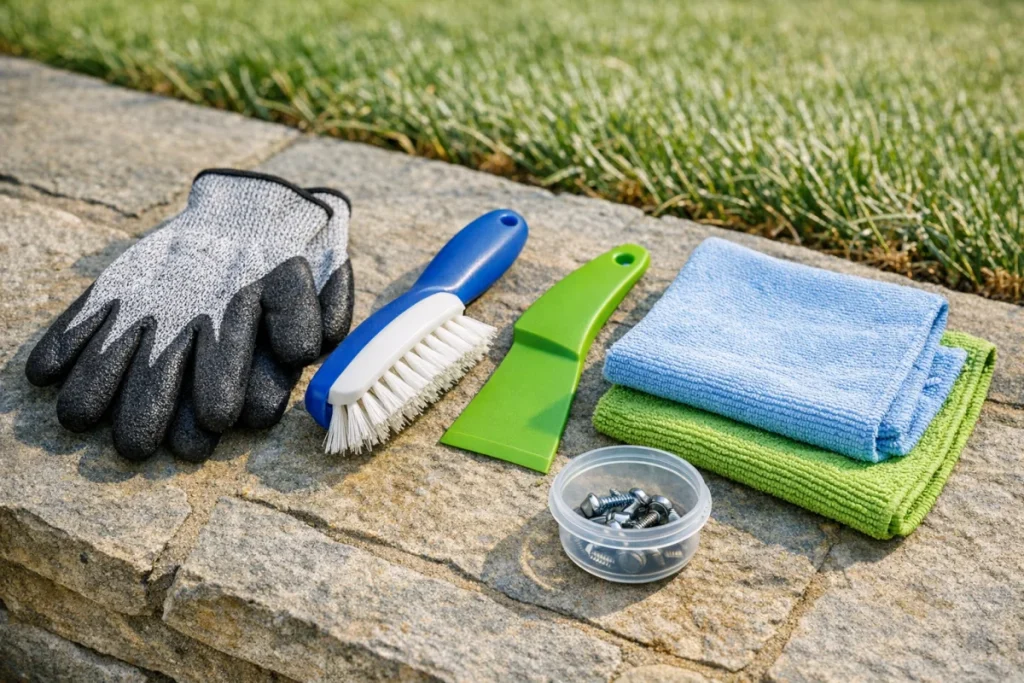
You do not need a shop full of tools. A small, repeatable cleaning kit is better than improvising with whatever is on the garage shelf.
- Cut-resistant gloves for handling the underside and working near blades.
- A soft nylon brush or old dish brush for dry grass and dust.
- A plastic scraper or plastic putty knife for compacted clippings.
- A damp microfiber cloth for final wiping.
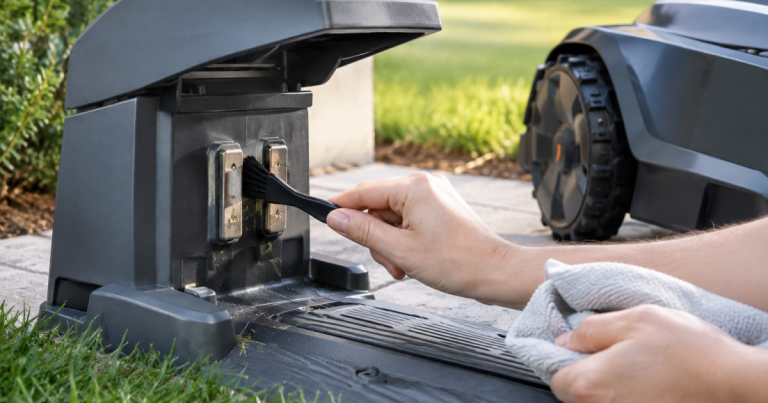
- A dry towel for the body, wheels, and charging contacts.
- A small container for removed clumps so they do not end up back in the lawn or driveway.
Avoid metal screwdrivers, wire brushes, harsh solvents, degreasers, and pressure washers. They may look efficient, but they can scratch plastic, nick protective surfaces, loosen labels, damage seals, or push moisture into places the mower was not designed to have water forced into.
Power down and position the mower carefully
1. Stop the mower and let all moving parts settle
Use the stop control, then wait until the blade disc has fully stopped. Do not reach under the mower while it is active, returning to its charger, or paused mid-cycle with the possibility of restarting.
2. Disconnect it from the charging area
Move the mower away from the charging station before cleaning. If your model has a removable safety key, main power switch, PIN lockout, or battery disconnect procedure, follow the owner’s manual for that exact mower. The point is simple: cleaning happens only when the machine cannot start unexpectedly.
3. Place it on a stable surface
Use a flat surface where the mower will not slide. Many owners clean on a driveway, garage floor, or a sturdy low work surface. Tip or turn the mower only in the direction approved by the manufacturer, because some models have orientation guidance to protect internal components.
If the mower is heavy, awkward, or muddy, take the extra minute to set down a towel or mat. It protects the outer shell and makes small blade screws easier to see if you are also checking blade condition.
Clean the underside step by step
1. Start with loose grass, not the hard clumps
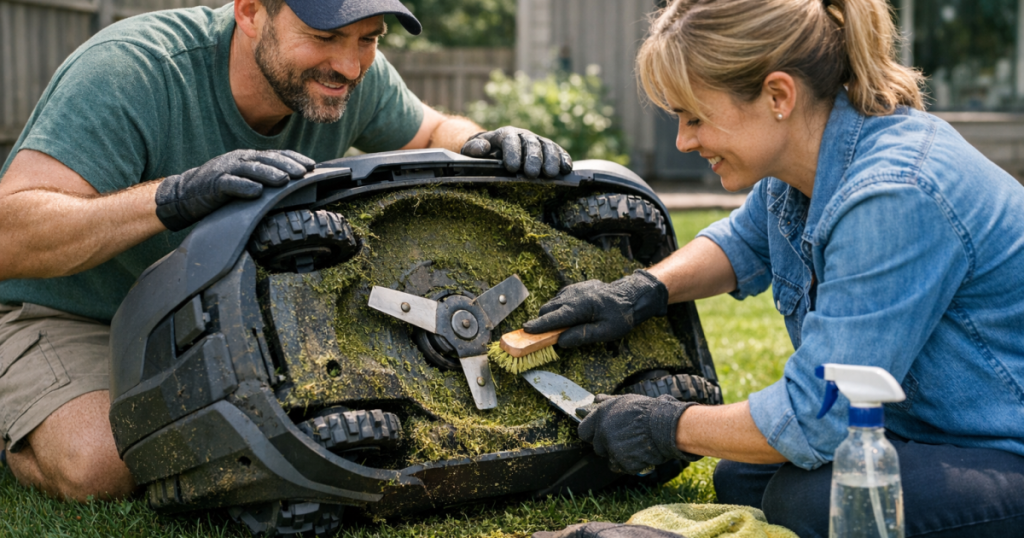
Brush away loose clippings from the deck shell, blade disc area, and wheel wells. Work from the center outward so debris falls away instead of being pushed deeper into corners. Dry grass usually comes off quickly; wet grass tends to smear, so use lighter passes and be patient.
2. Break up packed buildup with a plastic scraper
For hardened grass around the deck lip or wheels, use a plastic scraper at a shallow angle. The goal is to lift clumps, not gouge the plastic. Keep the scraper away from wiring, sensors, seals, and any flexible rubber parts. If a clump refuses to move, press a damp cloth against it for a minute, then try again.
3. Clean around the blade disc without forcing it
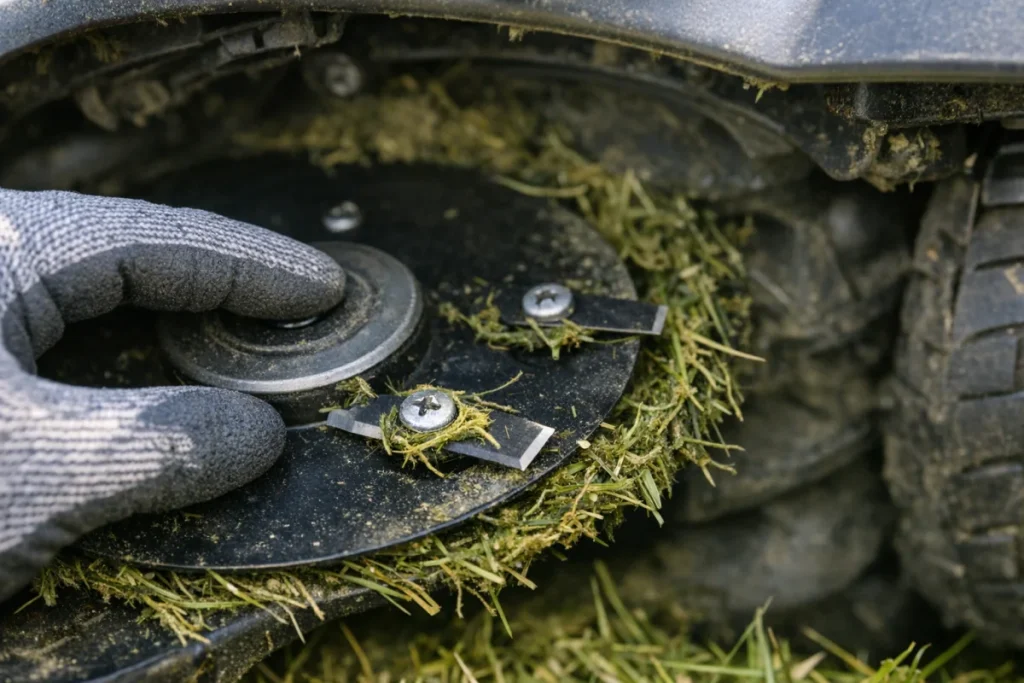
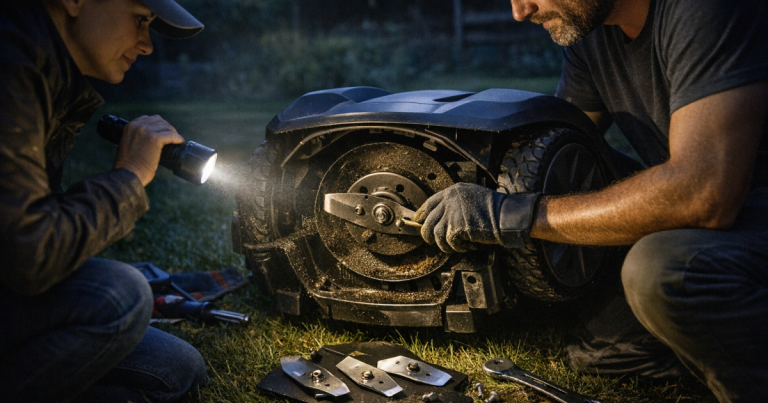
Hold the blade disc gently if needed and remove grass that has wrapped or packed around it. Do not bend the disc, pry against it, or spin it aggressively by hand. Check that each blade can pivot as designed and that no grass is trapped under the blade screw head.
If blades are chipped, bent, rusty, or no longer moving freely, cleaning is a good time to replace them rather than trying to stretch one more week out of a poor cut. For owners using Automower models, our review of replacement blade upkeep explains where OEM blade kits fit into routine maintenance.
4. Clear the wheels and tread
Wheel buildup can cause slipping, tracking errors, and repeated trouble in the same low spot. Brush the tread, then rotate each wheel by hand if your mower allows it while powered off. Remove grass strings, seed stems, and compacted dirt from the wheel wells without pulling on nearby cables or covers.
5. Wipe, dry, and inspect
Use a damp cloth for the final wipe under the deck, then follow with a dry towel. Look for loose screws, cracked plastic, damaged blades, missing blade fasteners, deep grooves from debris, or grass packed against moving parts. A quick inspection after cleaning turns a messy chore into useful preventive maintenance.
Where water is safe, and where it is not
Some robot mowers are designed to tolerate rain or light rinsing in limited ways, but that does not mean the underside should be blasted with a hose. The safe default is to clean dry, then wipe with a damp cloth only where needed.
Do not spray directly into these areas:
- Charging contacts and the charging station connection points.
- Sensor windows, camera areas, ultrasonic sensors, or exposed navigation hardware.
- Seams, seals, screw holes, vents, and openings in the mower body.
- The blade motor area or any underside opening near the cutting assembly.
- Battery compartments, removable covers, or service panels.
If your owner’s manual specifically allows rinsing, follow that procedure exactly and keep the pressure low. Still, wiping is usually safer and cleaner for routine homeowner maintenance, especially when the buildup is concentrated around the deck and wheels rather than the whole shell.
How often should you clean the deck?
There is no single interval that fits every yard. A mower trimming dry, short grass on a small suburban lawn may only need an underside check every couple of weeks during active growth. A mower running through wet spring growth, thick Bermuda, weeds, seed heads, or shaded areas with slow-drying grass may need attention much more often.
Use the underside as feedback. If you see thin dust and a few clippings, your schedule is probably close. If you find heavy, wet mats of grass after only a few runs, the mower may be cutting when the lawn is too damp, mowing too much at once, or running at a time of day when clippings do not dry well.
Summer can make this tricky. Early morning runs may be cool but dewy, while afternoon runs may be dry but stressful for certain lawns during heat. If buildup keeps returning during hot weather, compare your cleaning routine with adjusting the mowing schedule for summer heat so the mower is not constantly packing wet clippings under the deck.
When buildup points to a bigger mowing problem
Grass under the deck is normal. Repeated heavy buildup in the same pattern is a clue. If one wheel well is always packed, that side may be passing through a low, wet strip. If the blade disc is always coated, the mower may be cutting too much growth between cycles. If the deck is clean but the cut looks ragged, blade condition or cutting height may be the better place to look.
Watch for these patterns:
- Wet clumps after nearly every run: the mower may be starting before dew dries or working after irrigation.
- Grass wrapped around the blade screws: blades may not be pivoting freely, or stringy weeds may be entering the mowing area.
- Packed dirt and grass behind one wheel: the mower may be crossing a rut, root zone, or drainage path.
- Ragged cut after cleaning: inspect blade sharpness, blade movement, and cutting height.
- Repeated underside scraping: check for uneven ground, exposed roots, edging transitions, or low cutting settings.
This is where cleaning becomes more than tidying up. You are learning how the mower and yard interact. A robot mower that stays clean longer is usually working in drier grass, trimming smaller amounts, and moving through fewer trouble spots.
Deck cleaning before storage
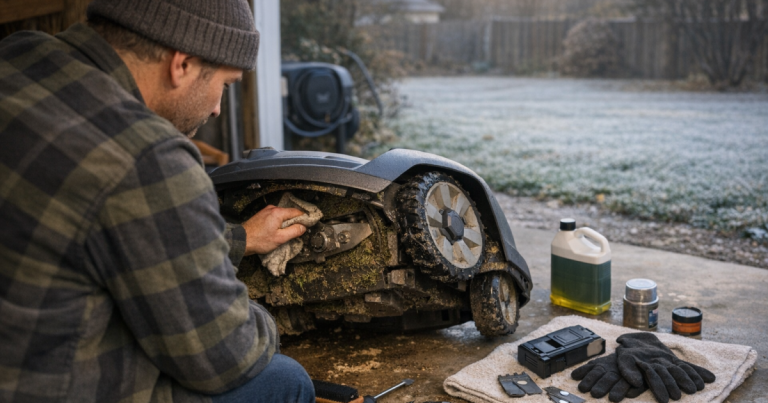
Before seasonal storage, clean the underside more thoroughly than you would during a normal week. Remove all grass from the blade area, wheels, and deck lip, then let the mower dry fully before it is stored. Damp grass left under the mower can hold moisture against metal fasteners and make spring setup messier than it needs to be.
Storage is also the right time to decide whether blades should be replaced now or at the start of the next mowing season. If you are already cleaning the underside and inspecting hardware, you are halfway through the job. For a broader end-of-season sequence, follow our winter storage routine.
Fast answers
Can I turn a robot mower upside down to clean it?
Only if the manufacturer’s instructions for your model allow that position. Some mowers should be tilted a certain way rather than fully inverted. When in doubt, follow the manual rather than copying a general video or forum tip.
Can I use compressed air?
Light air can help with dry dust in some cases, but do not force air into seals, sensors, vents, or openings. A brush and damp cloth give you more control and are usually enough for deck cleaning.
Should I clean the deck after every mow?
Usually no. Check more often during wet growth, heavy pollen and seed-head periods, or after mowing over weeds. If the mower is staying mostly clean, a regular inspection schedule is better than unnecessary handling.
What is the best sign that the deck is clean enough?
The blade disc should move freely, blades should pivot without grass trapped around the screws, wheels should rotate without rubbing, and the mower should have no wet clumps packed against the underside.
A simple routine that protects the mower
To clean robot mower deck surfaces safely, think in layers: power down, brush loose debris, lift compacted grass gently, wipe with limited moisture, then inspect blades and wheels before the next run. That routine avoids the two common mistakes—working too close to sharp blades without control, and spraying water where it does not belong.
Done regularly, underside cleaning gives you a clearer cut, fewer mystery stoppages, and a better feel for how your yard conditions affect the machine. It is one of the easiest maintenance habits to build, and it pays you back every time the mower heads out without dragging yesterday’s grass along for the ride.