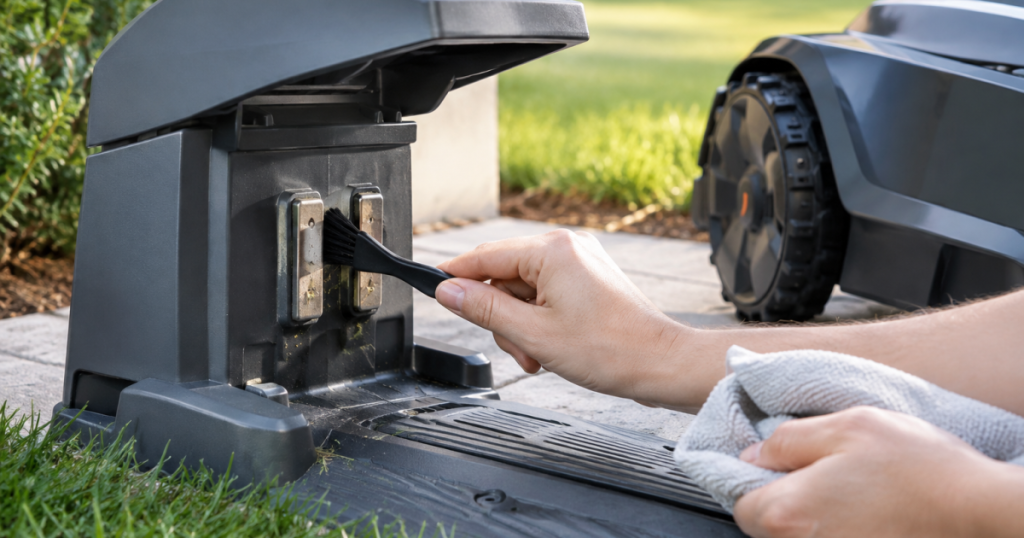
A robot mower that noses into the dock but refuses to charge usually has a simple problem: the metal pads are dirty, wet, oxidized, or not making firm contact. Knowing how to clean robot mower charging contacts gives you one of the fastest maintenance checks before you blame the battery, app, or charging station.
The job is small, but the details matter. Charging contacts are exposed to grass juice, dust, fertilizer residue, rain splash, and the occasional mud smear, so a gentle cleaning routine can prevent a lot of “why is this thing parked and sulking?” moments.
What to know first
For most robot mowers, the correct method is to turn the mower off, disconnect power to the charging station, wipe the mower and dock contacts with a dry cloth, then remove light oxidation with a fine abrasive pad only if needed. Use alcohol or electronics contact cleaner sparingly and only when the mower manual allows it; never spray liquid into the dock, use coarse sandpaper, scrape aggressively, or keep cleaning contacts that are pitted, loose, burned, cracked, or heavily corroded.
That short version covers the core rule: start dry, be gentle, and stop before a maintenance task becomes a repair. The contacts need clean bare metal, not a polished trophy finish.
Before you touch the contacts
Move the mower onto a flat surface where you can see the underside and front charging plates clearly. Turn the mower off using the manufacturer’s normal shutdown method. Then unplug or disconnect power to the charging station before cleaning the station-side contacts.
This is not about fear; it is about avoiding a short, a surprise start-up, or damage to the dock electronics. If the charging station has been moved, stretched to a different outlet, or powered through an improvised extension setup, solve that separately before chasing contact problems. The charging station needs reliable power, and this guide to safely extending robot mower charging station power explains the right way to think about that part of the setup.
Gather a few simple items:
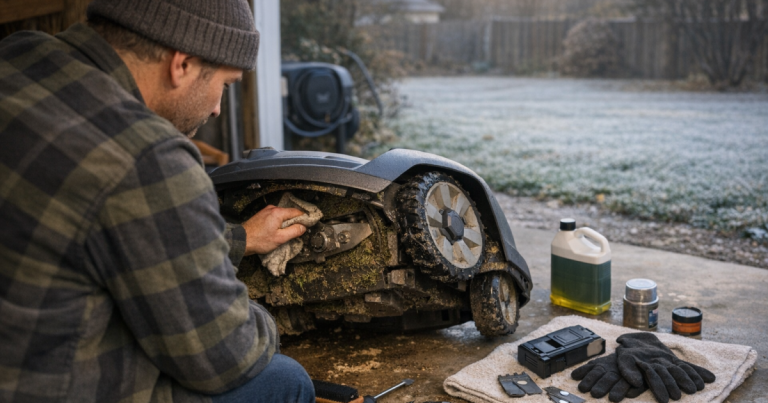
- A clean, dry microfiber cloth or soft shop towel
- A soft brush for loose grass and dust
- A fine non-metallic abrasive pad or very fine abrasive cloth for light oxidation
- Isopropyl alcohol or electronics contact cleaner, only if allowed by your mower manual
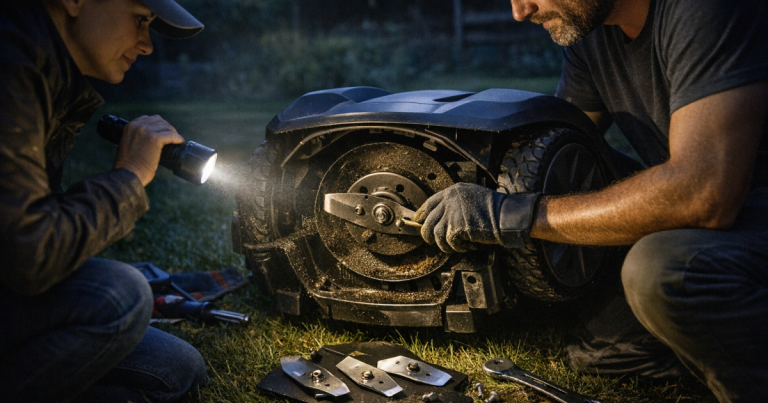
- A flashlight for checking pitting, looseness, and alignment
Skip steel wool, wire brushes, coarse sandpaper, screwdrivers, pocket knives, pressure washers, household cleaners, oily sprays, and anything that leaves a film. The goal is better electrical contact, not a chemistry experiment on your driveway.
Step-by-step: cleaning the mower contacts
1. Inspect before cleaning
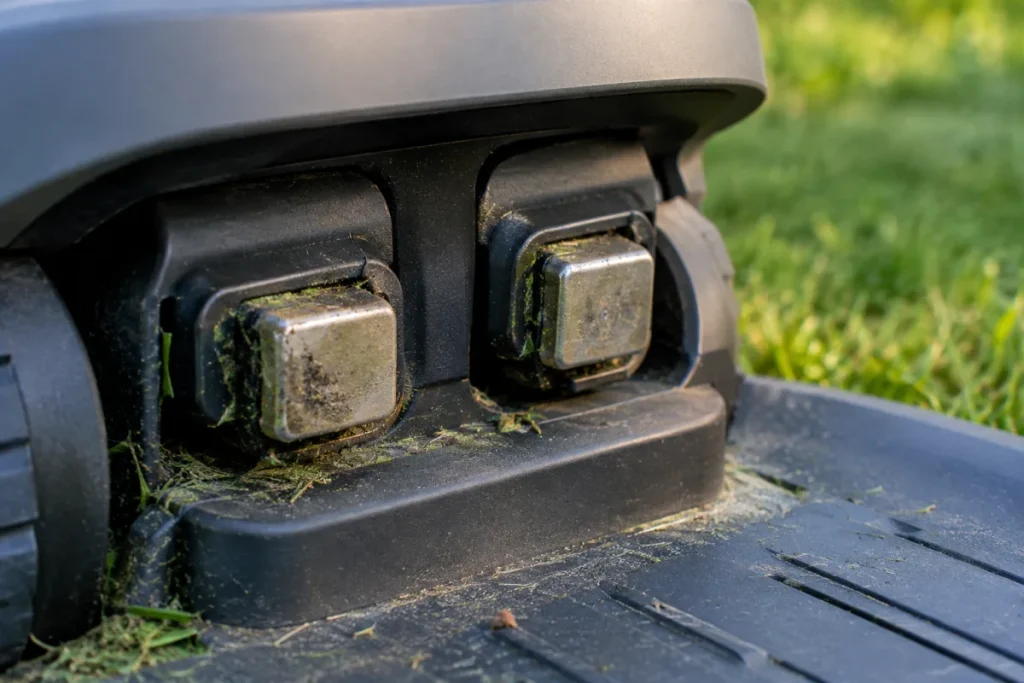
Look at the mower’s charging pads or plates first. You are checking for three different things: ordinary dirt, dull oxidation, and actual damage. Dirt usually looks like dust, dried grass, or dark smudging. Oxidation often appears as a dull film on the metal. Damage looks more serious: pitting, green or white corrosion, blackened marks, bent contact arms, cracked plastic around the contact, or a loose part that moves when lightly touched.
If you see heavy corrosion, melted plastic, scorch marks, or loose wiring, stop cleaning and contact the mower manufacturer, dealer, or qualified service support. Those signs point beyond routine maintenance.
2. Wipe with a dry cloth first
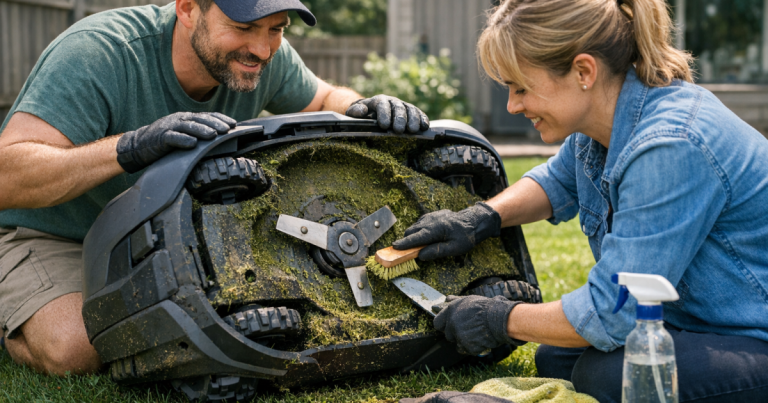
Use a dry microfiber cloth and wipe the contact surfaces firmly but gently. Many charging issues are caused by a film of grass residue or dust, and a dry wipe removes more than you might expect. If there is dried grass around the contacts, loosen it with a soft brush, then wipe again.
Do not soak the area. Water can push debris into seams, and a wet contact can create a new charging problem while you are trying to solve the old one.
3. Remove light oxidation only where needed
If the metal still looks dull or patchy after wiping, use a fine non-metallic abrasive pad with very light pressure. Work only on the metal contact face. A few passes are enough. You are not trying to grind the contact down or reshape it.
After using an abrasive pad, wipe the area again with a clean dry cloth. Any abrasive dust left behind can reduce contact quality or collect moisture later.
4. Use alcohol or contact cleaner cautiously
If the manual permits it, lightly dampen a cloth with isopropyl alcohol or an electronics contact cleaner and wipe the contact face. Do not spray cleaner directly into the mower body or charging station. Do not flood the contacts. Keep liquid away from seals, ports, and plastic housings unless the manufacturer specifically says that cleaner is safe there.
Let the contacts dry fully before returning the mower to the dock. If you can smell solvent strongly or see any wetness, wait longer.
Step-by-step: cleaning the charging station contacts
1. Confirm the station is not powered
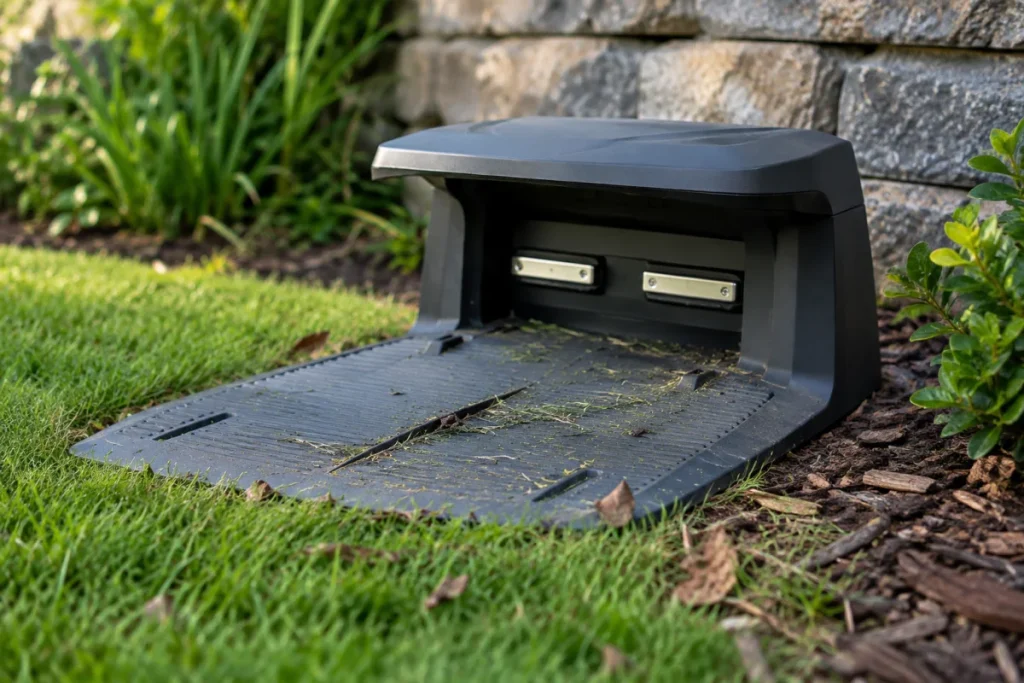
Disconnect the charging station from power before cleaning its contacts. Station contacts may be spring-loaded plates, rails, pins, or exposed metal pads depending on the mower design. Treat them gently, because bending the contact point can create a docking problem that cleaning will not fix.
2. Clear debris around the dock
Remove grass clippings, mud, leaves, mulch, and small sticks from the docking area. Pay attention to the ramp or approach path. A mower can reach the dock slightly crooked if a wheel rides over debris at the last moment, and poor alignment can look like a charging failure.
Leaves deserve a mention because they hold moisture against metal and can bunch around the dock. If your mower is running during leaf drop, this guide on whether you should run a robot mower over fall leaves is worth reading before the dock turns into a damp leaf pocket.
3. Wipe, then lightly polish if needed
Start with a dry cloth on the station contacts. If oxidation remains, use the same light-touch abrasive method you used on the mower contacts. Keep the pad on the metal only, avoid surrounding plastic, and do not change the shape of pins or plates.
Finish with a dry wipe. If you use approved alcohol or contact cleaner, apply it to the cloth first, not directly to the dock. Let everything dry before restoring power.
How to tell whether cleaning worked
Reconnect the charging station and place the mower in the dock according to the manufacturer’s instructions. Watch for the normal charging indication on the mower, dock, or app. Then step back and let the mower settle; some models take a short moment to confirm charging after docking.
If charging starts reliably, check again after the next mowing session. One successful dock is good. Three or four normal returns tell you the contact cleaning probably solved the issue.
If the mower still docks inconsistently, look beyond the metal pads. Common non-contact causes include a tilted dock, a low spot in front of the station, wheels slipping on wet turf, a guide or boundary issue on wired systems, weak positioning near the dock on some wire-free setups, or physical obstruction from mulch edging, roots, or ruts.
When the problem is not the charging contacts
Dirty contacts usually cause symptoms such as intermittent charging, a mower that docks but does not charge, charging that starts only after you wiggle the mower, or visible grime on the metal pads. Navigation and boundary errors can feel similar from the owner’s point of view, but they are different problems.
If the mower stops near the dock and reports that it is outside the work area, outside the boundary, or unable to find its charging station, cleaning the contacts may not change anything. In that case, use the symptoms to guide the next check. Boundary-related messages are better handled with a troubleshooting path like this guide to fixing false outside boundary errors on robot mowers.
Also check the ground in front of the dock. A shallow rut can cause the mower to enter the station at the wrong angle. A raised root can lift one wheel just enough to break contact. This is the sort of small yard detail that does not look dramatic until the mower repeats the same bad approach every afternoon.
How often to clean the contacts
For a typical mowing season, inspect the contacts every few weeks and clean them whenever you see residue, dull oxidation, or unreliable charging. Some yards need attention more often: sandy soil, heavy pollen, fertilizer dust, wet clippings, pine needles, and frequent rain splash all speed up buildup.
A good rhythm is to include the contacts in the same quick check as blade condition, deck buildup, and wheel tread. It takes less than a minute when nothing is wrong, which is exactly why it is worth doing. Small maintenance beats a half-day of troubleshooting every time.
Mistakes that make charging worse
- Using coarse sandpaper: It can remove too much metal, scratch the contact surface, or make corrosion return faster.
- Spraying cleaner into the dock: Liquid can run where it does not belong. Apply cleaner to a cloth instead.
- Cleaning while powered: Always disconnect the station before working on station contacts.
- Ignoring alignment: Clean contacts cannot help if the mower is entering the dock crooked.
- Leaving abrasive dust behind: Wipe thoroughly after any light polishing.
- Trying to rescue damaged contacts: Pitted, loose, burned, or badly corroded parts need service guidance, not more scrubbing.
Quick answers
Can I use rubbing alcohol on robot mower charging contacts?
Often, yes, but only if the mower manual does not warn against it. Use it on a cloth, not as a spray into the mower or dock, and let the contacts dry fully before charging.
Should I use contact cleaner?
Electronics contact cleaner can be useful for metal charging points when the manufacturer allows it. Avoid automotive, oily, or residue-leaving sprays. If the cleaner is not clearly safe for electronics and plastics, do not use it.
Is WD-40 a good choice for charging contacts?
No. Oily products can leave a film that attracts dust and may interfere with clean metal-to-metal contact. Use a dry cloth first, then approved alcohol or electronics contact cleaner only when needed.
What are warning signs of corrosion or damage?
Stop routine cleaning if you see green or white crust, deep pitting, black burn marks, melted plastic, cracked housings, loose contact plates, broken springs, or repeated failure after gentle cleaning. That is the point where manufacturer or dealer support is the better next step.
A simple maintenance habit that pays off
Charging contacts are easy to overlook because they are small, exposed, and not very glamorous. They are also one of the first places to check when a robot mower docks but refuses to take a charge.
Keep the method boring: power down, wipe dry, lightly remove oxidation if needed, use approved cleaner sparingly, dry fully, and verify charging. That routine keeps the dock doing its quiet little job, which is all anyone really wants from it.