When a mower can’t find dock after a normal cut, it is usually not confused forever; it is missing the path, signal, or approach conditions it needs to get home. The useful move is to separate a return-to-base problem from a charging-contact problem before you start moving hardware around the yard.
Outdoor outlet installation, low-voltage cable routing changes, and damaged power connections should be handled by a qualified electrician or approved service technician so the setup meets local electrical codes, product requirements, and outdoor safety standards.
The big picture
A robot mower that wanders for a long time, stops before reaching the station, or repeatedly drives past the dock is usually dealing with one of six things: a guide wire or boundary signal issue, search settings that do not match the lawn layout, a poor approach path, obstacles near the station, weak or confused positioning in a wire-free system, or a hardware fault. Start with the simple visual checks, then verify the installation and settings before assuming the mower or charging station has failed.
- If it docks only when you carry it there: suspect search route, guide wire, map, or station placement.
- If it reaches the dock but does not charge: focus on charging contacts, alignment, station power, or corrosion instead.
- If it stops with an outside-boundary or no-signal style message: treat it as a navigation or signal problem, not just a docking problem.
- If the issue appeared after yard work: look for moved stakes, buried wire damage, shifted edging, new obstacles, or a relocated station.
Step 1: Prove whether it is a docking problem or a charging problem
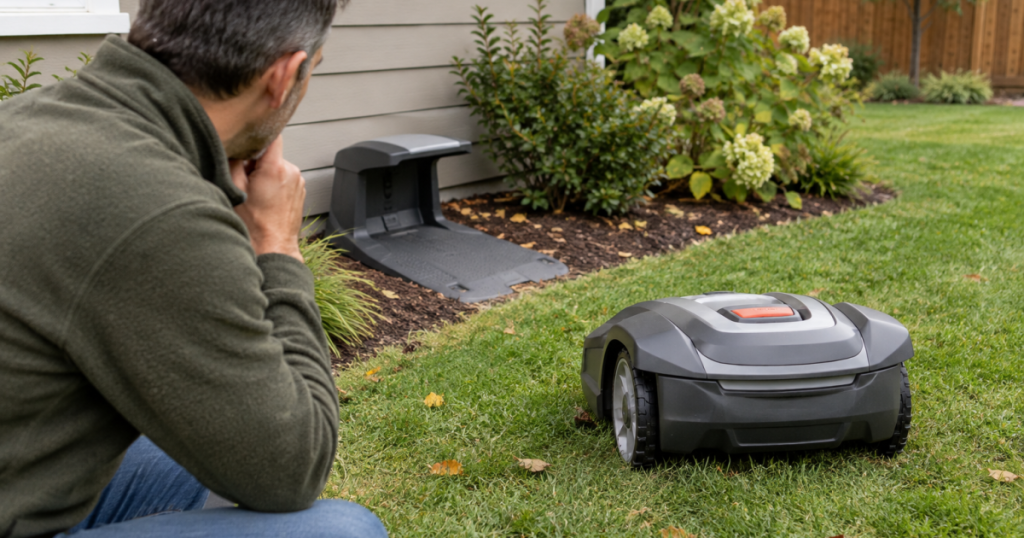
Put the mower a short distance from the charging station and send it home from the controls or app. Watch what happens rather than walking away. The first two minutes often tell you more than the error message.
If the mower turns toward the station, lines up, enters the dock, and starts charging, the station and contacts are probably doing their job. The failure is more likely in the longer return route from the yard. If it reaches the dock but bumps, reverses, misses the contacts, or refuses to charge, you are looking at an alignment or charging-contact issue instead.
Also note whether the mower behaves differently from the front lawn, back lawn, side passage, or farthest mowing zone. A return failure from one area often points to a guide route, mapped corridor, narrow gate, or signal shadow. A failure from every area points more toward station setup, settings, or hardware.
Step 2: Give the dock a boring, predictable approach
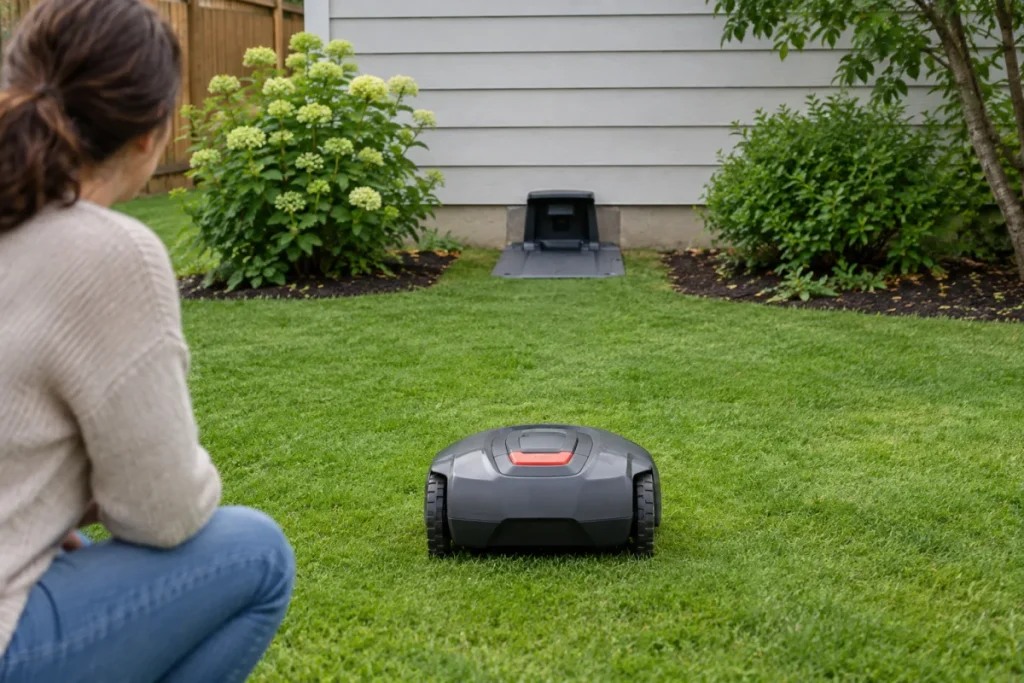
A charging station should be easy to find and easy to enter. Robot mowers are impressive little machines, but they are not fond of drama at the finish line. Avoid placing the dock where the mower must climb a slope, make a tight turn, cross loose mulch, squeeze beside a raised bed, or approach through tall edging.
Check your manual for the required clearances in front of and beside the station, because spacing varies by brand and model. As a rule of thumb, the approach should be flat, firm, and free of objects that can shift through the season. Garden hoses, soccer balls, fallen limbs, planters, and low branches can all turn a reliable dock route into a guessing game.
If obstacles near the station keep changing, create a mapped exclusion area or physical buffer so the mower has a clean route home. The same mapping logic used for robot mower no-go zones around yard obstacles can help around charging stations, tree rings, fire pits, and tight landscaping edges.
Step 3: For boundary-wire mowers, check the guide home
Many boundary-wire robot mowers use a guide wire, boundary signal, or similar return path to find the charging station. If that route is disconnected, damaged, badly placed, or disabled in the settings, the mower may still cut the lawn but take far too long to get home.
Check the physical installation
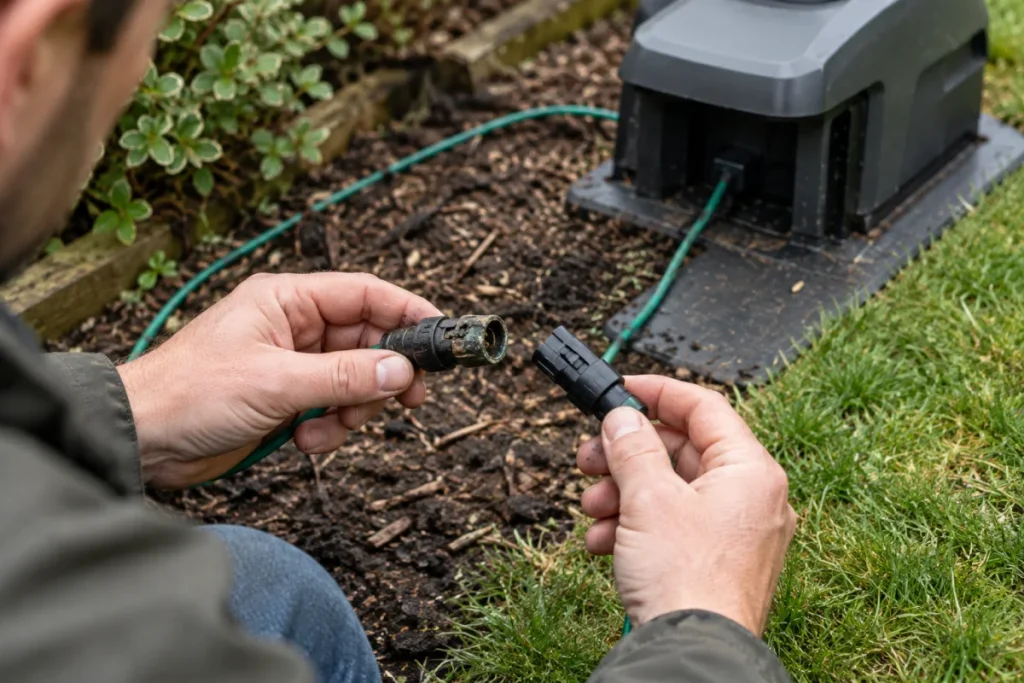
- Confirm the guide wire is firmly connected at the charging station.
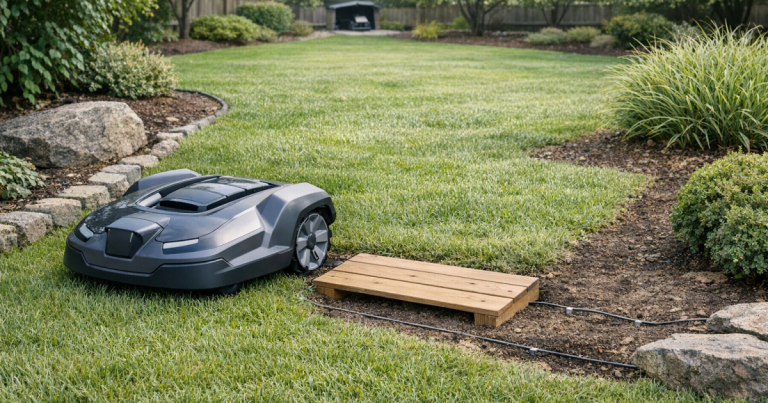
- Look for recent digging, aeration, edging, fence work, or pet damage along the wire route.
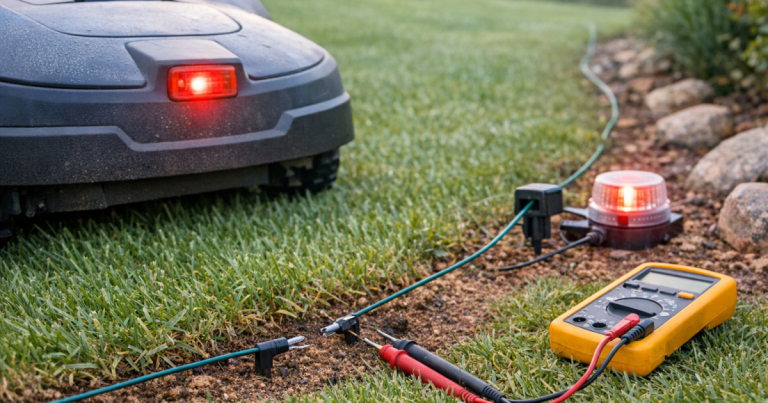
- Inspect connectors for looseness, corrosion, or poor contact.
- Make sure the guide path does not run through a narrow trap where the mower regularly gets blocked.
- Verify that the boundary wire has not been pulled out of position near the dock.
Do not rely only on the lawn looking normal. A shallow wire can move after frost heave, heavy rain, dethatching, or aggressive edging. If your mower reports being outside the working area or loses its signal near the dock, use the same diagnostic mindset as you would for false outside boundary errors on robot mowers: identify where the symptom appears, then work backward to the boundary, guide, or signal source.
Check the return settings
Depending on the mower, search behavior may be controlled by settings for guide wire use, boundary following, station signal range, corridor width, or return time. Names vary, so do not chase one exact label. Look for anything that controls how the mower searches for home.
If you recently reset the mower, changed mowing zones, replaced the station, or reinstalled the app, verify that the mower is still paired with the correct station and that its return method is enabled. A mower that is told not to use the guide wire will behave exactly like a mower that cannot find it.
Step 4: For wire-free mowers, check the map and positioning
Wire-free robot mowers depend on their mapped boundary, dock location, and navigation system rather than a buried guide wire. If the virtual map is slightly off, the mower may cut normally in open areas but struggle when it needs to re-enter the station precisely.
Start by confirming the charging station is still in the same position used during mapping. Even a small move can matter if the mower expects a precise home point. Then check whether the dock is near tall walls, dense tree cover, metal structures, parked vehicles, or other features that can make positioning less reliable.
For RTK-style systems, make sure the reference antenna, station, and mower all have the signal conditions required by the manufacturer. For camera or LiDAR-assisted systems, clean the relevant sensors according to the manual and check whether glare, darkness, debris, or overgrown grass is interfering with the approach. Do not invent a new map as your first move; remapping is useful, but it can also erase a mostly good setup. Fix the obvious physical problem first.
Step 5: Check power without turning it into an electrical project
A mower may fail to return cleanly if the station is unpowered, intermittently powered, or producing the wrong signal. Check the outlet, power supply, low-voltage cable, and station connections for obvious damage. If the station indicator shows an error, use the manufacturer’s support material for that exact model rather than guessing from another brand’s light pattern.
Extension cords and improvised outdoor power runs are a common source of unreliable charging-station behavior. If the station had to be placed far from an outlet, review safe options for extending robot mower charging station power before you bury cable, add a new outlet, or leave temporary wiring outside.
Step 6: Remove the small yard problems that become big navigation problems
Dock-return failures often happen at the dullest places in the yard: a rut beside the patio, a muddy turn by the gate, a tree root just before the station, or a narrow pass where the mower has to make the same awkward correction every day.
- Wheel slip: look for polished mud, loose soil, wet leaves, or bare patches on the route home.
- Raised edges: check edging stones, paver lips, and plastic borders near the station.
- Seasonal growth: trim grass, groundcover, and low branches that brush the mower or sensors.
- Temporary clutter: move hoses, toys, yard bags, and lightweight decor out of the return corridor.
- Pet paths and gate areas: fill holes or ruts that can catch a wheel during the final approach.
After each fix, run a return-home test from the problem area. One controlled test is worth more than three days of hoping the schedule sorts itself out.
Installation issue or hardware fault?
Most dock-return failures are installation or layout problems, especially when the mower still cuts, responds to commands, and charges once docked. Hardware becomes more likely when the same failure happens from every part of the yard, after the station has been checked, with no changes to the lawn or settings.
- Likely installation or setup: failure from one zone, long wandering, missed guide route, trouble near a narrow passage, or symptoms after landscaping.
- Likely station or signal problem: no response to home command, station error indicator, repeated no-signal behavior, or return failures from all zones.
- Likely mower hardware problem: damaged wheels, sensor errors, repeated docking impact, failure to recognize the station at close range, or behavior that persists after a verified setup check.
Before buying parts, take photos of the station, the approach path, any error messages, and the mower’s stopping point. Those details make manufacturer support or dealer service much faster, and they reduce the chance of replacing the wrong component.
Common mistakes that waste time
- Moving the dock first: relocating the station can create a new mapping or wire-layout problem. Test and document before moving it.
- Blaming the battery: a weak battery can cause short run times, but a mower that cannot locate home usually has a navigation, signal, or route issue.
- Ignoring one bad corridor: if the mower fails only from the far side yard, fix that path instead of changing global settings.
- Remapping too soon: remapping can help wire-free systems, but only after the dock, sensors, and physical route are clean and stable.
- Using another model’s advice: dock search behavior varies. A setting that matters on one mower may not exist on yours.
Things readers ask
Why does my robot mower eventually dock, but take forever?
Long searches usually mean the mower can find the station signal only after wandering into the right area. Check guide-wire settings, station signal range, mapped home position, and whether the mower is starting its return from a zone with a poor path home.
Should I reset the mower?
A reset can help after a corrupted setting or failed setup, but it should not be the first step. Confirm the station has power, the guide or map is valid, the approach is clear, and the return settings are correct before wiping anything.
Can weather cause docking problems?
Yes. Wet grass, mud, heavy leaf cover, and soft soil can all make the return path harder. Weather is more likely the cause if the mower docks normally in dry conditions but slips, stalls, or times out after rain.
Main lessons
Fix the route before you blame the robot. A dock-return problem usually comes down to how the mower is being led home: guide wire, virtual map, station signal, physical approach, or search settings. Work from the dock outward, test one change at a time, and keep notes on where the failure happens. That is slower than randomly changing everything, but it is far less likely to turn one problem into three.