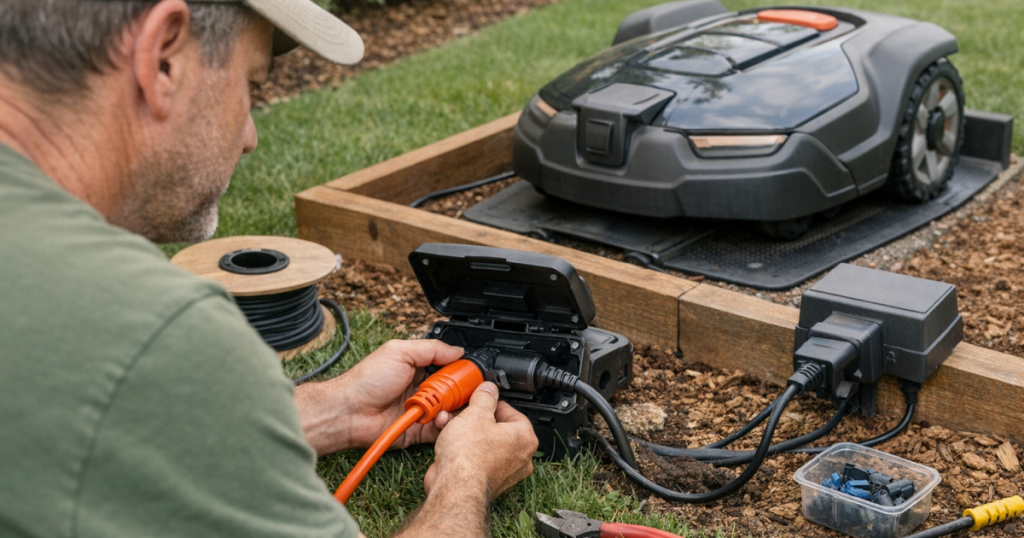
A charging dock in the wrong spot turns a tidy robot mower install into a daily annoyance: cords across walkways, a power supply sitting in the rain, or a mower that cannot reliably find its base. The safest way to extend robot mower charging station power is to bring permanent outdoor power closer to the dock or use the manufacturer’s approved low-voltage extension cable, not an improvised household extension cord.
Installing or extending mains-voltage outdoor wiring, receptacles, conduit, or buried electrical cable should be carried out by a qualified electrician to comply with local electrical codes, outdoor GFCI protection requirements, and safety standards.
At a glance
- Best long-term fix: have a weather-rated outdoor outlet installed close enough for the robot mower’s power supply and dock cable to be used as intended.
- Best homeowner-level adjustment: use the mower manufacturer’s approved low-voltage extension cable, staying within the manual’s maximum cable length and routing instructions.
- Best for a cable crossing a hardscape or high-traffic area: ask an electrician about conduit, burial, or a new outlet location rather than stretching a cord across the route.
- Worst option: running a regular indoor extension cord outdoors, leaving plug connections on wet ground, cutting factory cables, or splicing low-voltage cable without manufacturer approval.
Know which side of the power system you are extending
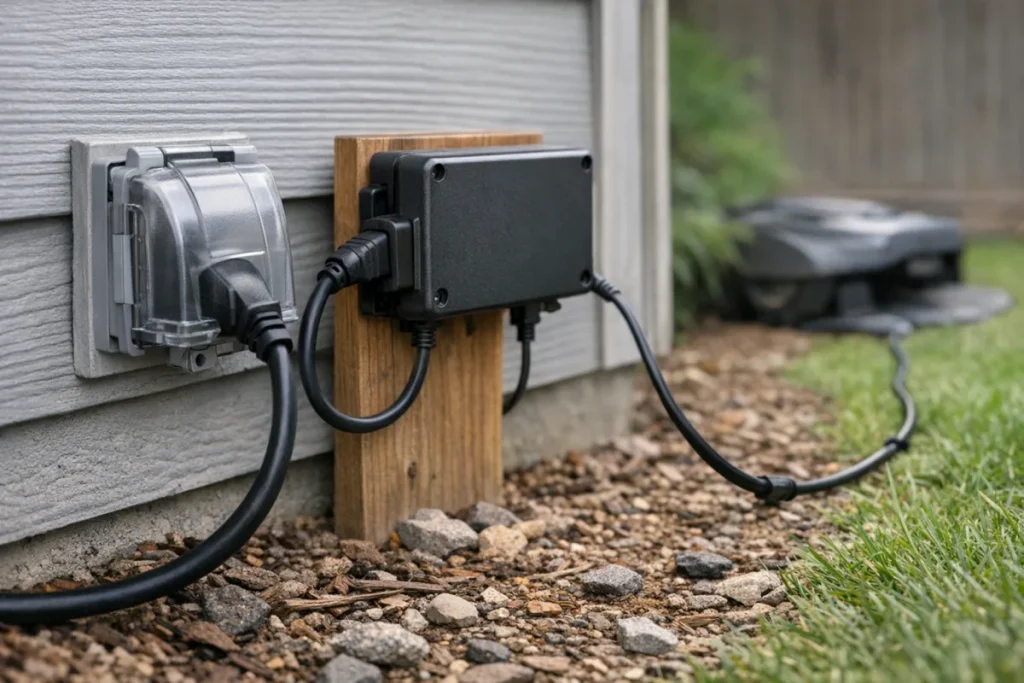
A robot mower charging setup usually has two different sides: mains-voltage power from the wall outlet to the power supply, and low-voltage power from the power supply to the charging station. That distinction matters. The wall-outlet side is the risky side. It involves household voltage, weather exposure, GFCI protection, and code requirements. Treat it as electrical work, not yard tinkering.
The low-voltage side is usually the only part homeowners can extend using a manufacturer-approved cable. Even then, the rules are not universal. Each mower brand sets its own cable type, connector style, maximum length, and placement rules. Longer cable runs can affect voltage delivery if the cable is too long, too thin, damaged, coiled tightly, or not approved for the system.
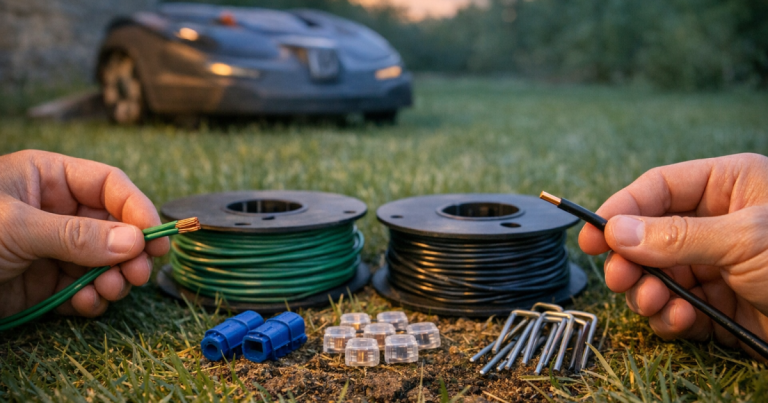
Do not confuse charging-station power cable with boundary wire. Boundary wire carries a signal for wired mowers; the charging cable supplies power to the dock. They are different parts doing different jobs. If your setup also uses a physical boundary, this guide to robot mower boundary wire gauge and type is the better reference for that circuit.
The safe way to extend robot mower charging station power
Start with the dock location, then choose the least improvised power route. The right answer depends on whether you are solving a distance problem, a trip hazard, a weather-exposure problem, or a signal-and-docking problem.
Option 1: Add or relocate an outdoor outlet near the dock
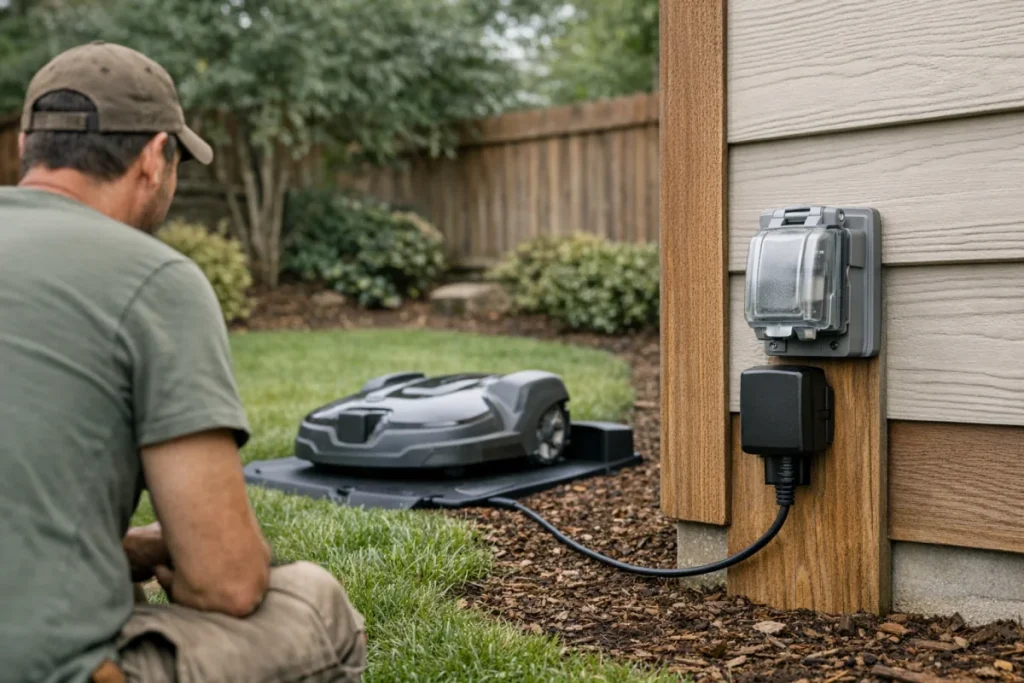
This is the cleanest solution when the charging station needs to live far from the nearest outlet. A qualified electrician can place a weather-rated outdoor receptacle where the mower’s power supply can be mounted and connected without stretched cords, exposed plugs, or a cable draped across a gate opening.
It costs more than buying a cable, but it removes a lot of daily friction. You avoid mowing around an extension cord, you reduce the temptation to leave temporary connections outdoors all season, and you can position the dock based on mowing performance rather than wherever the nearest outlet happens to be. That is the grown-up solution. Annoying, yes. Usually worth it.
Option 2: Use the OEM low-voltage extension cable
If the dock is close but not quite close enough, the manufacturer’s low-voltage extension cable is often the practical answer. Match the cable to the exact mower or charging station system, follow the manual’s maximum length, and use the connectors the brand specifies. Do not assume that a cable with a similar plug is electrically equivalent.
Route the low-voltage cable where it will not be pinched by the charging station, nicked by edging tools, chewed by wildlife, or pulled tight when the ground shifts. Leave gentle bends rather than sharp kinks. Keep connectors off low spots that collect water, and avoid burying a cable unless the manual says that cable and connection method are suitable for it.
Option 3: Use conduit or burial when the route is exposed
Sometimes the shortest route crosses a walkway, driveway edge, patio gap, or gate. That is where a quick cable stretch turns into a nuisance. Exposed cable in a traffic path is easy to trip over, scrape, crush, or forget until the mower stops charging.
For mains-voltage wiring, conduit, burial, and new receptacle placement belong with a qualified electrician. For low-voltage mower cable, the mower manual controls what is acceptable. Some owners want to hide every cable underground, but neat is not the same as safe. A buried connector that was never meant to sit in damp soil is just a delayed troubleshooting session.
Option 4: Use a temporary outdoor extension cord only as a short-term setup test
An outdoor-rated extension cord can be useful for briefly testing dock placement before you commit to an outlet or cable route. It should not become the permanent installation. Temporary means you are present, the cord is rated for outdoor use, connections stay dry and elevated, and the cord is unplugged and put away after the test.
What you do not want is an indoor cord snaking across wet grass for weeks. The mower may look futuristic, but a soggy plug connection is still a soggy plug connection.
Step-by-step: plan the dock power route
1. Pick the dock location before buying cable
Place the charging station where the mower can approach cleanly, leave cleanly, and start mowing without immediately turning into a narrow obstacle course. Many mowers need straight clearance around the dock, but the exact distances vary by model. Follow the manual rather than copying a neighbor’s setup.
If moving the dock causes confusing location behavior, signal errors, or repeated boundary complaints, work through placement and signal issues before extending anything permanently. This troubleshooting guide on false outside boundary errors on robot mowers can help separate cable problems from navigation and boundary problems.
2. Measure the actual route, not the straight-line distance
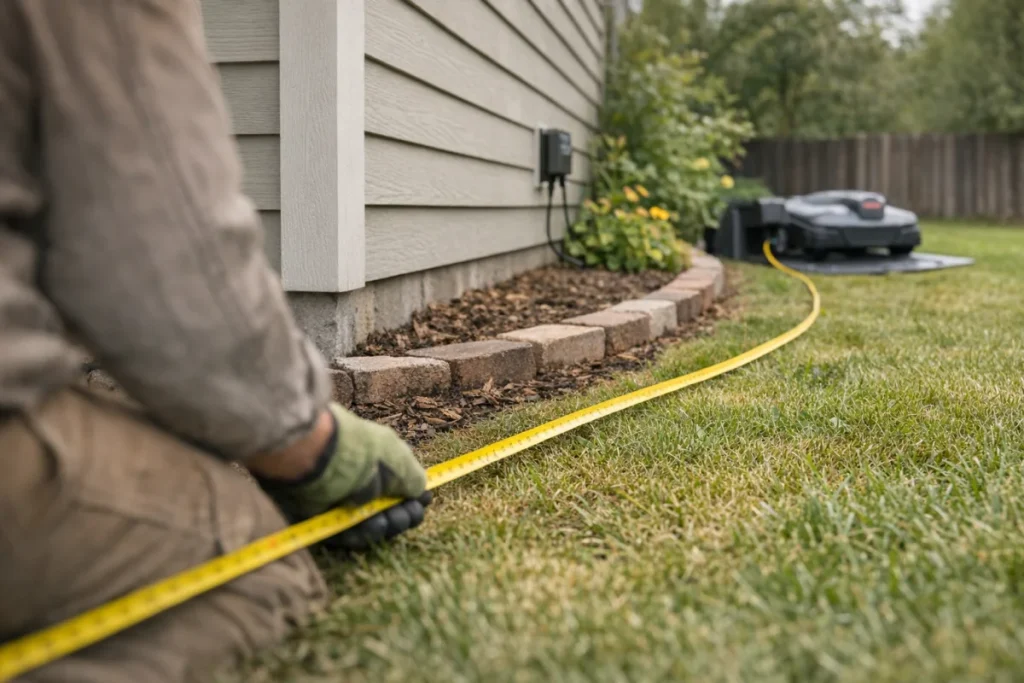
Measure the path the cable will really take: around the house corner, along the bed edge, behind the dock, and up to the power supply. Add enough slack for strain relief, but not so much that you create loose loops in the grass. Coiled surplus cable can be a tripping hazard and may not be recommended by the manufacturer.
3. Check the manual’s maximum low-voltage cable length
Robot mower power supplies are designed around specific cable runs. If the manual says the low-voltage cable can only be extended to a certain length, treat that as a limit, not a suggestion. Using a longer or unapproved cable can lead to unreliable charging, error messages, warm connectors, or damage that may not be obvious right away.
4. Keep the power supply off the ground
The power supply should normally be mounted or placed according to the manufacturer’s instructions, protected from standing water and mechanical damage. Do not leave it lying in mulch, sitting in a puddle-prone flower bed, or tucked where irrigation spray hits it every morning. The goal is boring reliability.
5. Test charging before hiding the cable
Once everything is connected, let the mower dock and charge before you stake, tuck, or conceal the cable. Confirm that the mower enters the station cleanly, the charging contacts align, and the cable is not being pulled when the dock shifts slightly under the mower’s weight.
Common mistakes that cause bigger problems later
- Using an indoor extension cord outdoors because it is already in the garage.
- Plugging multiple extension cords together to reach the dock.
- Leaving cord connections on the ground where rain, irrigation, or runoff can reach them.
- Cutting and splicing the low-voltage cable instead of buying the correct extension.
- Burying connectors or power supplies that are not designed for burial.
- Routing the cable where string trimmers, edgers, pets, wheels, or foot traffic will damage it.
- Moving the dock only for outlet convenience, then discovering the mower struggles to return home.
When power is not the real problem
Charging issues are not always caused by cable length. Dirty charging contacts, a dock that has shifted, an uneven base area, a damaged connector, or poor approach clearance can look like a power problem. Before ordering parts, check the simple things: is the dock level, are the contacts clean, is the mower seating fully, and is the power supply firmly connected?
If the mower repeatedly fails near the same approach path, the route may be the issue rather than the outlet. Narrow passages, roots, slopes near the dock, or a rut beside the station can all make a robot mower look electrically unreliable when it is really getting physically hung up. For repeat trouble spots, see how to fix a robot mower that gets stuck in the same spot.
Quick answers
Can I use a regular extension cord for a robot mower charging station?
Use a regular extension cord only for a short, supervised placement test, and only if it is rated for outdoor use. It should not be the permanent power solution for a robot mower dock.
Can I extend the low-voltage cable myself?
Usually, yes, if the mower manufacturer sells or approves a compatible low-voltage extension cable and your total run stays within the manual’s limit. Do not cut, splice, or substitute cable unless the manufacturer’s instructions specifically allow it.
Should the charging station power cable be buried?
Only bury a cable if the product manual says that cable and routing method are suitable for burial. Mains-voltage burial or conduit work should be handled by a qualified electrician.
What stands out
The safest setup is also the least clever: put proper outdoor power where the dock needs to be, or extend only the low-voltage side with the correct manufacturer-approved cable. Avoid permanent extension-cord setups, keep connections dry and protected, and choose the dock location for reliable mowing first. A neat cable run is good; a safe, serviceable cable run is better.